Skip to content

PLATFORM GUIDE

Getting started with Platform

From creating your account to your first step with SBC, MISA or another authority. Eight short steps; most people see their route in about 15 minutes.

  • About 15 minutes to your route
  • Nafath or email
  • Answers saved as you go
  • Nothing submitted without you

What to have ready

Having these at hand lets you finish the questions in one go. You can also stop at any point and come back.

  • Owner details

    Passport or Saudi ID / Iqama for every owner

  • Business activity

    What the company will do, in a sentence

  • Ownership and capital

    Who owns what share, and the planned capital

  • Location

    City where the company will operate

  • Existing company?

    Your commercial registration number

  • Contact details

    An email and phone you can reach
1 Step 1 of 8 1 min

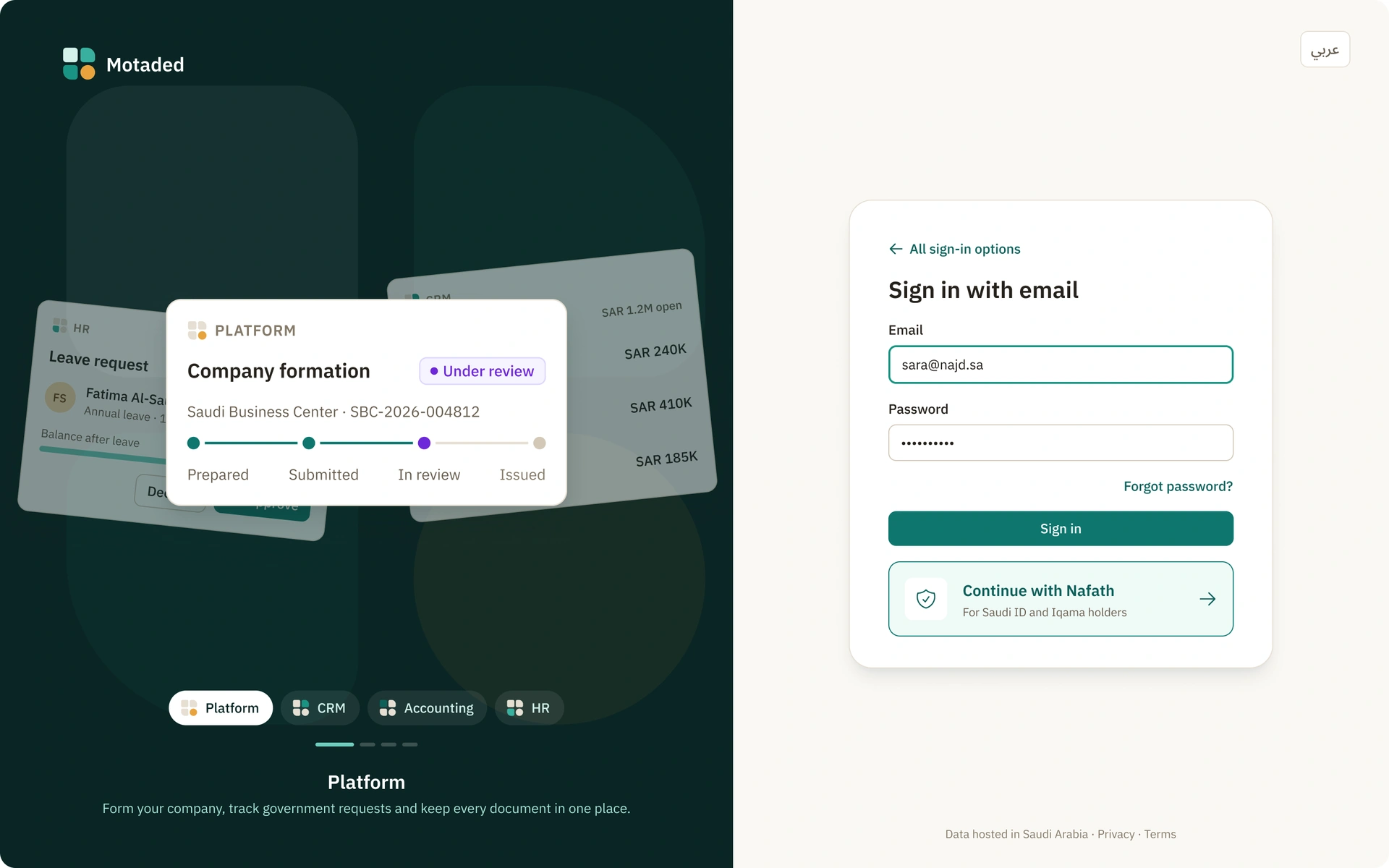
Create your Motaded account

Sign in with Nafath if you hold a Saudi ID or Iqama, or use your email. One account works for every Motaded product.

account.motaded.com.sa/sign-in
Motaded sign-in with Continue with Nafath and email
2 Step 2 of 8 1 min

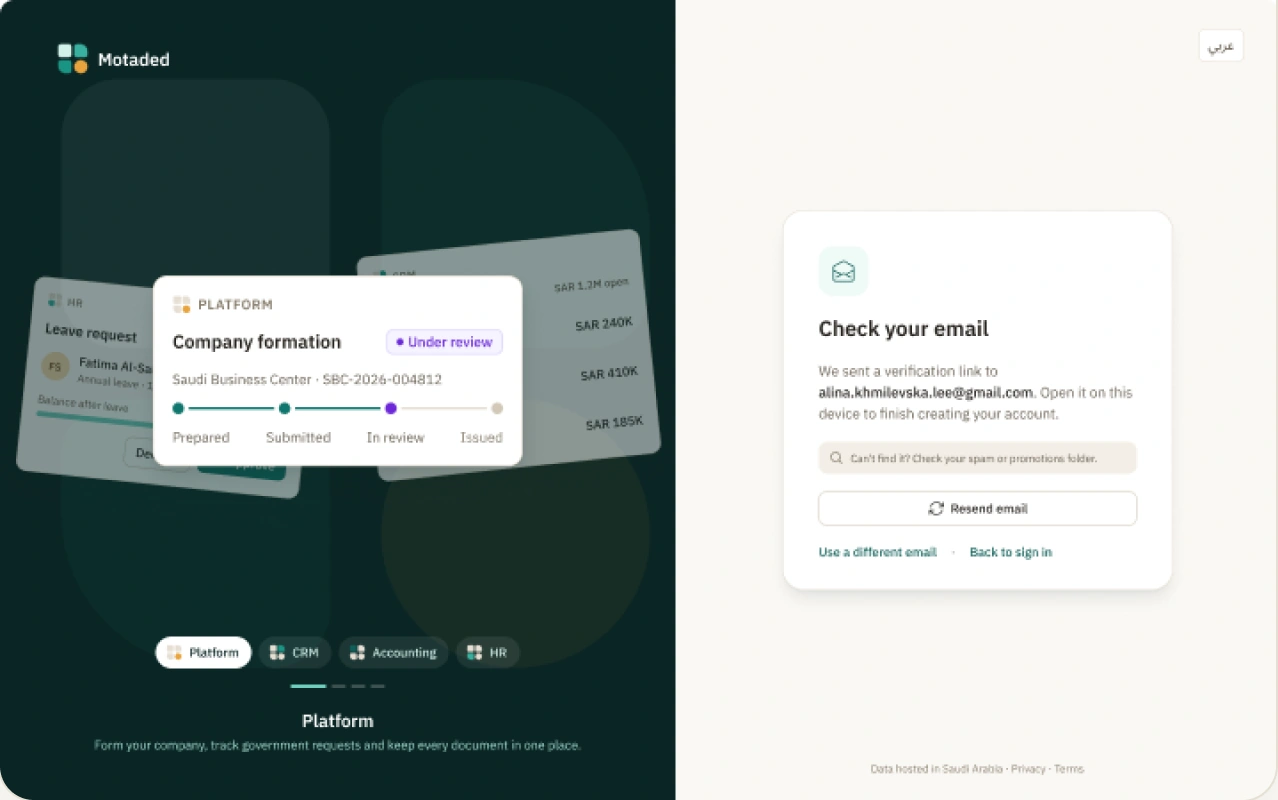
Confirm your email

We send a link to make sure the address is yours. Nafath sign-ins skip this step.

account.motaded.com.sa/verify
Email verification screen with a link sent confirmation
3 Step 3 of 8 1 min

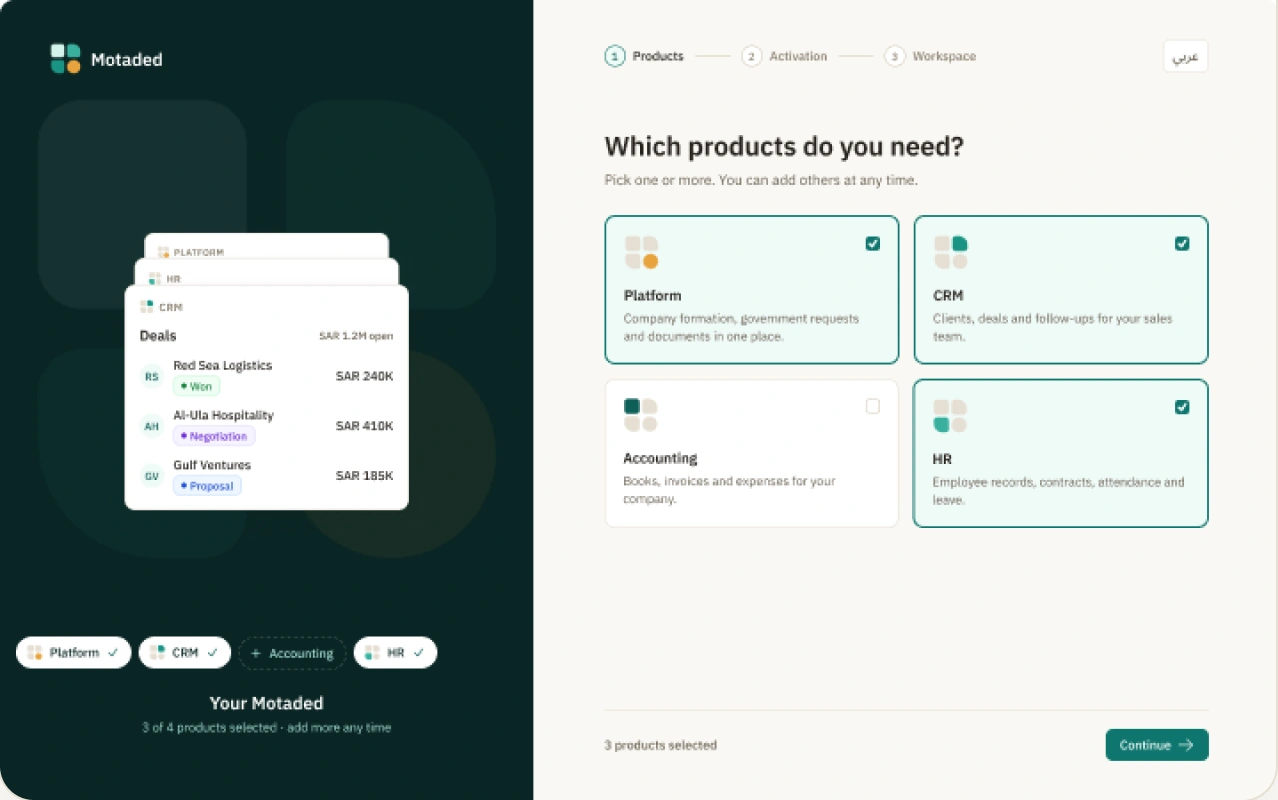
Choose Platform

Pick the products you need. Start with Platform; add CRM now or later.

account.motaded.com.sa/products
Product selection with Platform highlighted
4 Step 4 of 8 1 min

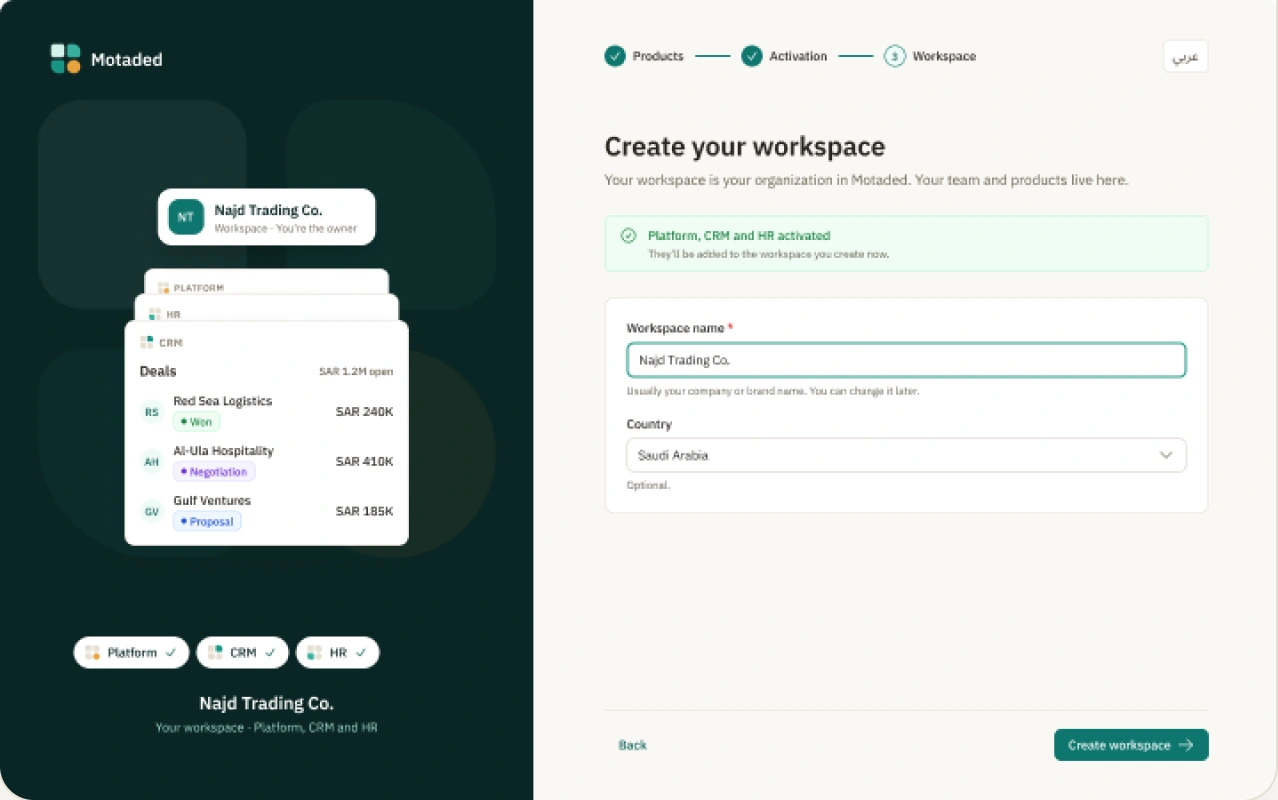
Create your company

Give it a name. This is your company’s space: its team, products and documents live here.

account.motaded.com.sa/company
Create company form with company name field
5 Step 5 of 8 5–10 min

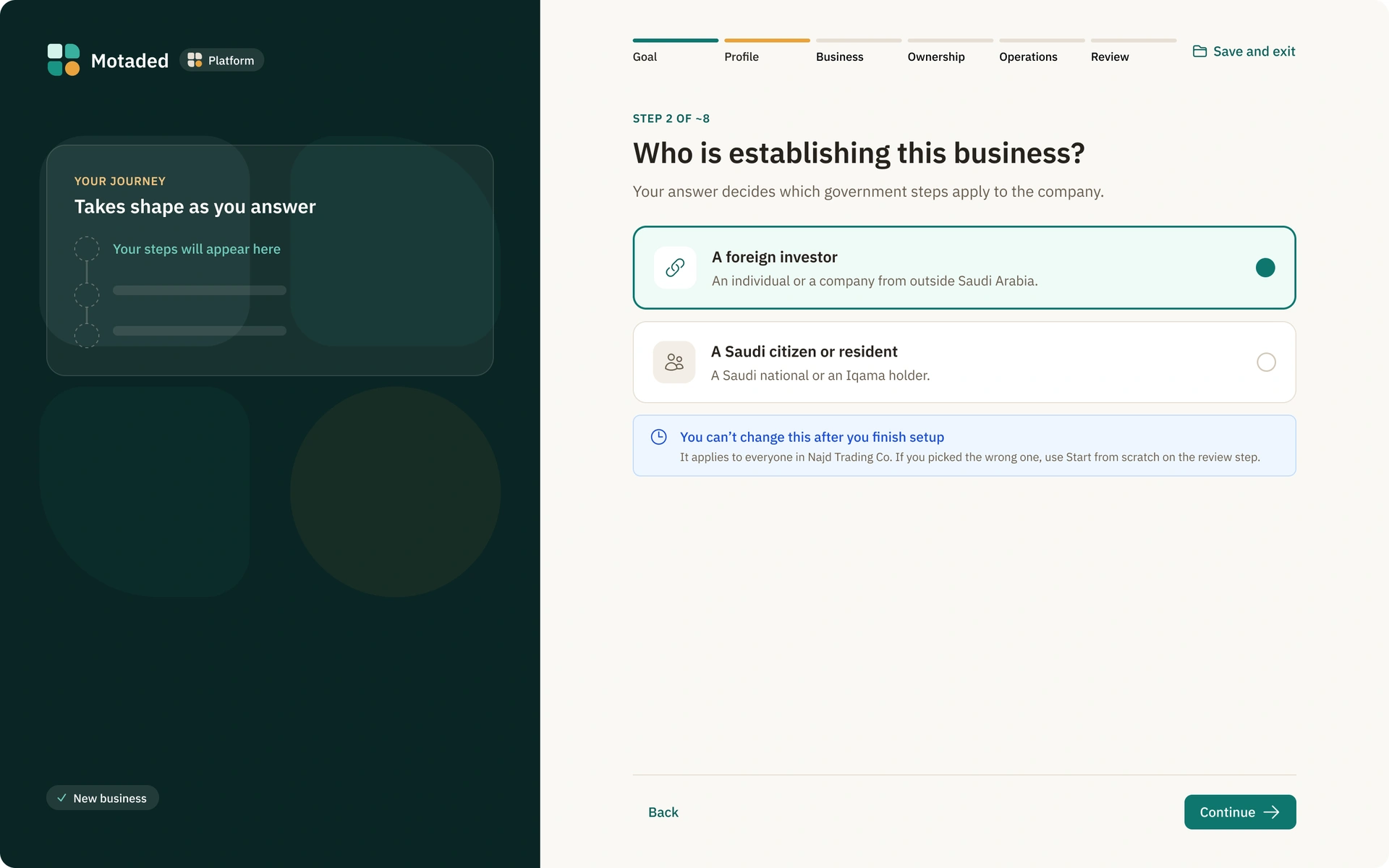
Answer a few questions

Who is establishing it, what it will do, who owns it. Answers are saved as you go, so you can stop and come back.

platform.motaded.com.sa/setup
Platform setup questions about company type and activity
6 Step 6 of 8 2 min

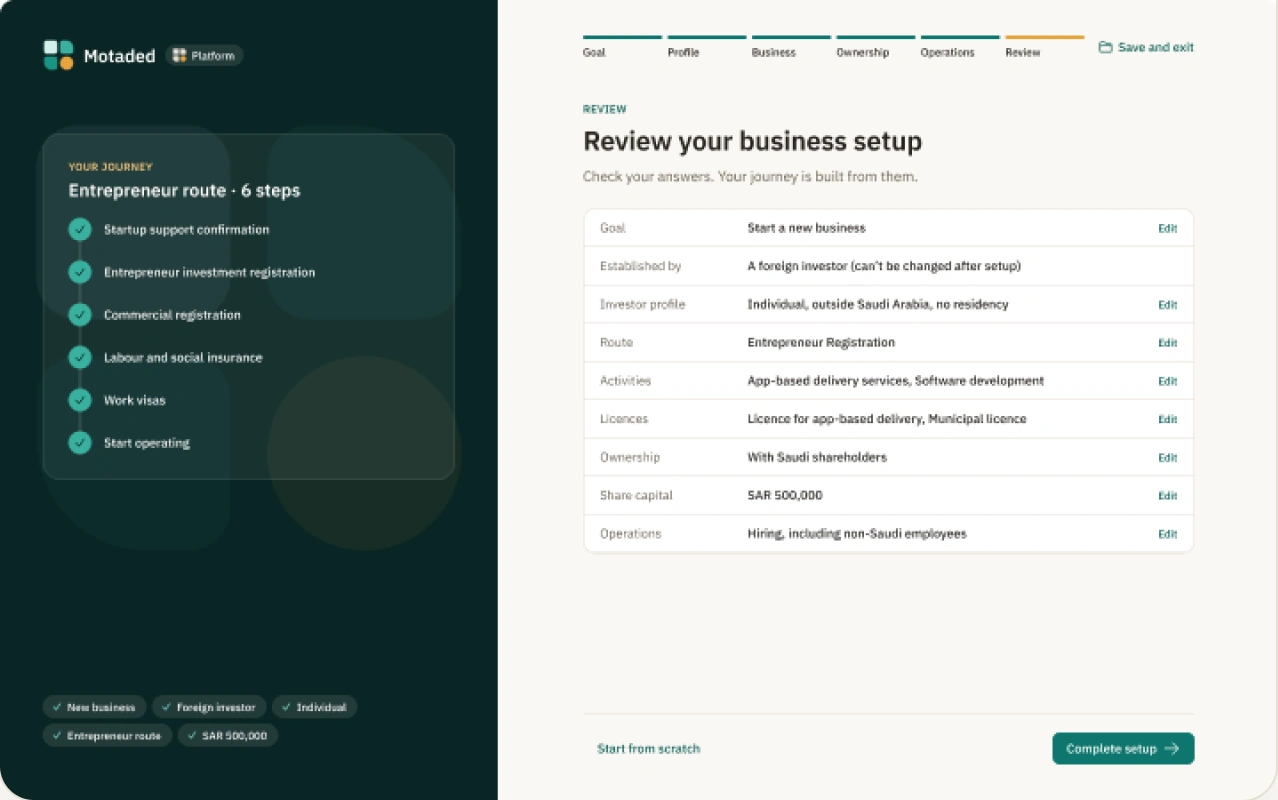
Review your route

See every step for your company type, in order, before anything is submitted. Your exact list depends on your activity, ownership and city.

platform.motaded.com.sa/setup/review
Review route screen listing ordered setup steps
7 Step 7 of 8 2 min

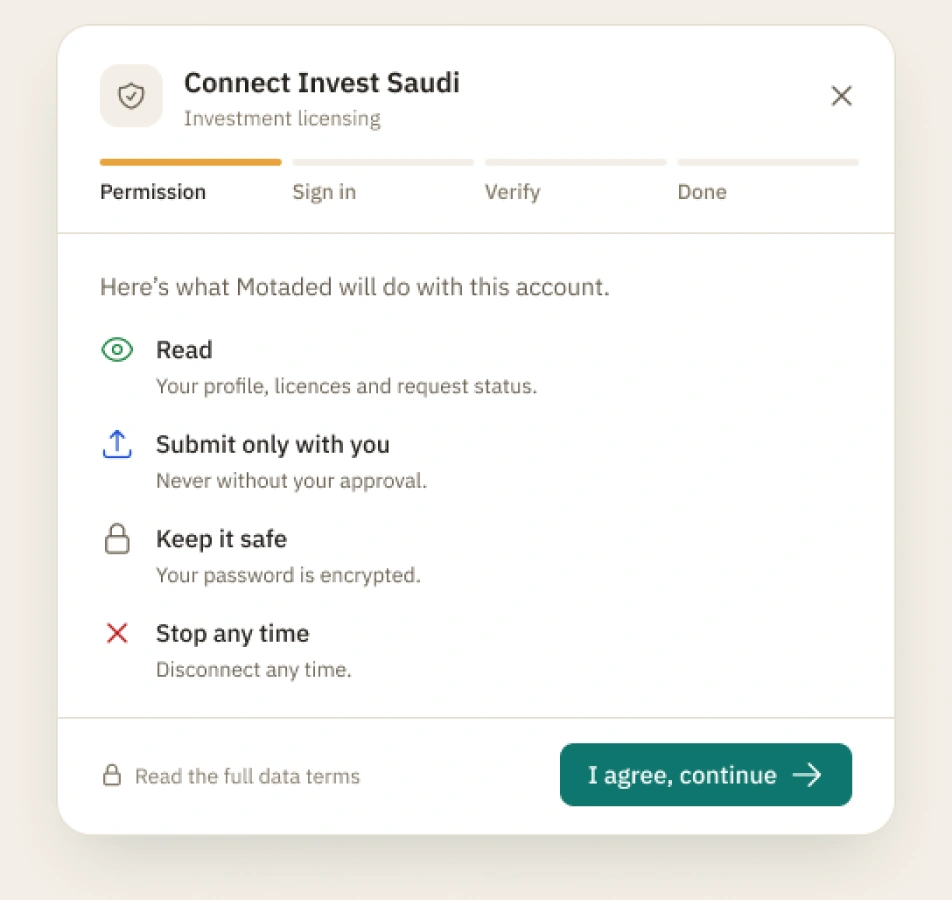
Connect your accounts with each authority

Connect the account each authority needs, when a step asks for it. You approve every submission.

Authority connection sheet showing MISA, SBC and other portals to link
8 Step 8 of 8 Ongoing

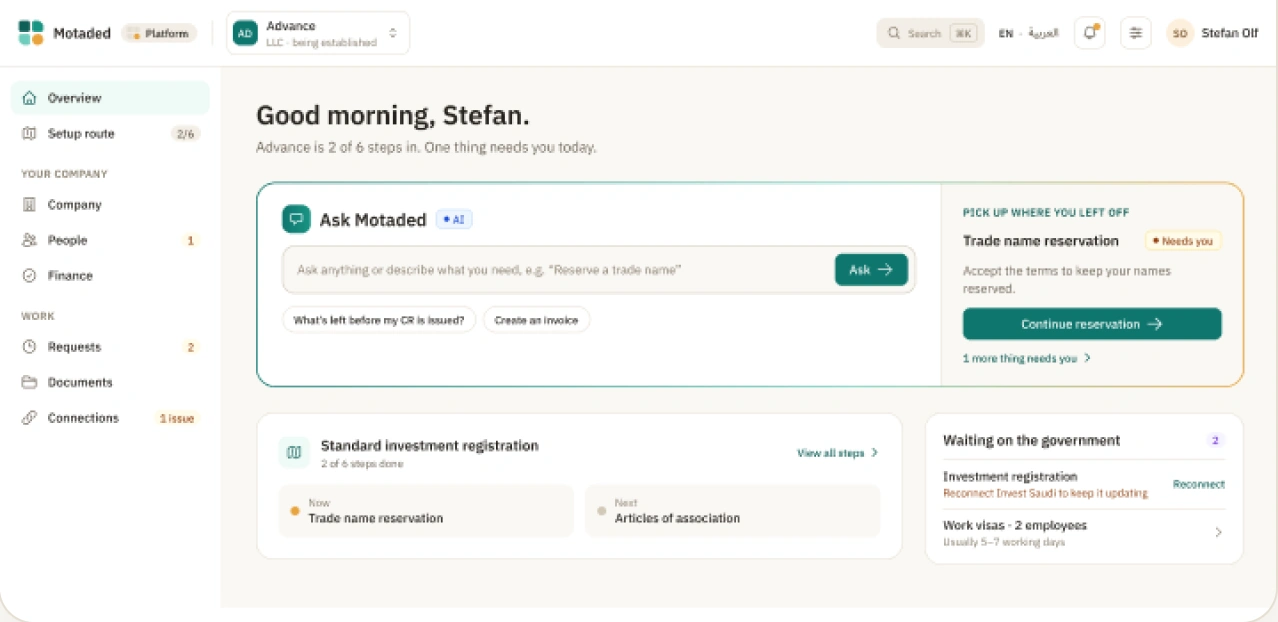
Follow your route

Your workspace shows the one thing to do next and what’s waiting on an authority. We tell you when anything changes.

platform.motaded.com.sa/overview
Platform workspace overview with next step and authority requests